|
Disk one:
 Art work used in the tutorial Art work used in the tutorial
Design files
Programmable stitch fills and
motifs used in the tutorial
Glossary
Shortcut and special codes
Computer
Lessons
Desktop
folders
Embroidery
folders
File
Associations
Install
True Type Fonts
Using
a True Type font without installing it
Change
computer desk top
Turn
monitor into a digital picture frame
Visiting
the internet
Design Center
Start up Wizard
Parts of the Design Center Screen
Menu Bars
Toolbar
Attribute Bars
Thread Chart
Stitch Types
Tool Box
Questions and Answers
New Features
Programmable
Stitch Creator
Parts
of the Programmable Stitch Creator Screen - Fill/Stamp
Parts
of the Programmable Stitch Creator Screen - Motif Fills
Menu
Bar
Tool
Bar - Fill/Stamp Mode
Tool
Bar - Motif Mode
Creating
Fills/Stamps
Creating
Motifs
Hints
Engrave
versus Emboss
Play
with settings
Design
Data Base
Parts of the Design Data
Base Screen
Menu Bars
Tool bars
Write
to card
Hints
New
Feature
|
Disk two:
Layout and Editing
Parts of the Layout and
Editing Screen
Menu Bar
Tool Bar
Attribute Bars
Thread Chart
Toolbox tools
Status Bar
Color
Chart Tab
Sewing
Attribute Tab
Status Bar
Text Attribute Tab
New
Features
Questions
and Answers
Disk three:
Digitizing Section 1
Entering
Text onto the Design Page
Text
Editing
Outlined
Text
Fit
the font with the use
Fit
Text to Path
Text
Transformations
Text
Transformations with script text
Snowflake
names
Kerning
for Transformed text
Sewing
Holes
Breaking
the rules for sewing holes
Remove
Overlaps
Merging
Layered
Text
Shadowed
Text
Monograms
for nap fabric
Sewing
Label
Creating
words with a purchased font
Creating
monograms with a purchased font
Cross
stitch letters
Monograms
Coasters
Stitching
Coasters
Bridge
Coasters
Redwork
Appliqué
with wizard
Appliqué
without wizard
Appliqué
Quilt Square
Introduction
to Manual Punch
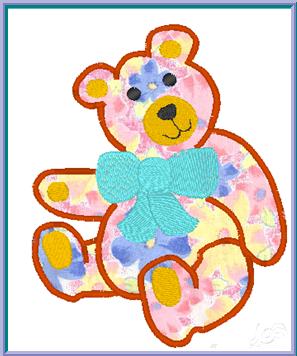
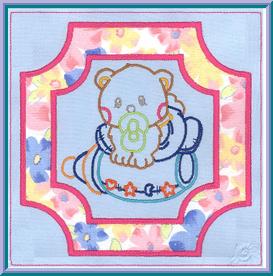
Teddy
bear appliqué
"Hello
my name is"
Buttonholes
and grommets
|
Disk four:
Digitizing Section 2
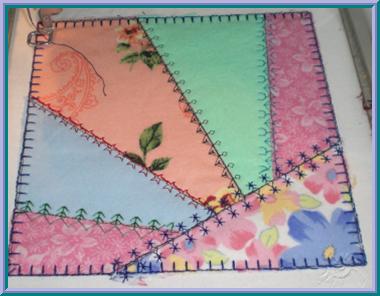
Crazy
Quilt designs
Stitching
the crazy quilt designs
Candlewick
design
Create
a design
Criswell
Embroidery Lace
Using
Lace
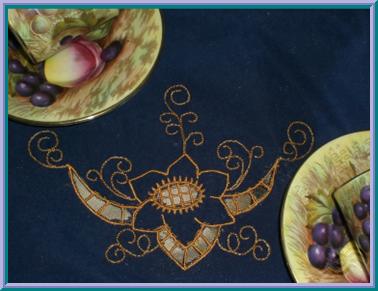
Cutwork
Stitching
Cutwork
Quilting
with stippling
Appliqué
Text - with wizard
Disk 5:
Digitizing Section 3
Appliqué
text - with wizard
Appliqué
wacky text
Stitching
an appliqué
Photo
Stitch 1 sepia
Photo
Stitch 1 color
Photo
Stitch 1 monotone
Designs
with too many stitches
Faux
Fillet Crochet
Resize
and keep fill
Clocks
Unable
to fill an area
DST
Designs
Using
bits of designs pieces
Feathered Edges
Writing
multiple designs to the embroidery memory card
Custom
Thread Charts
What
happened to the colors?
Saving
Fill Settings
Font Creator
Menu Bars
Tool Bar
Character Selection Bar
Toolbox
Marking Lines
Creating Upper Case Letter
Creating Lower Case Letter
Creating
Fancy Letter
|
 Copyright (c)1998 -
2020 Techno Babe, Inc.
Copyright (c)1998 -
2020 Techno Babe, Inc.